
Your doctor list: from an Excel sheet to something you can work from
Nobody starts a territory with an empty list. You inherit one — a spreadsheet from the last rep, a photo of a notebook page, a file a colleague sends on WhatsApp at midnight. The problem is not getting a list. It is getting one you can actually work from by Saturday.
What the inherited list usually looks like
Open the file and you will recognise it. Names in one column, some with "Dr." and some without. A specialty column that says "GP" on one row and "General" on the next. An address that is really a landmark: "next to the big pharmacy, second floor". A phone number with a missing digit. A class column — A, B, C — that was true two years ago. Merged cells for the district headings, a second sheet nobody mentioned, and forty rows at the bottom from a territory that is not yours.
It is still worth more than starting from nothing. The names are real, the clinics exist, and somebody once knew which doctors mattered. The job is to turn it into a list that answers the questions a working week asks.
What a working list has that a spreadsheet does not
A spreadsheet is a table of facts. A working list is a table of facts plus the four things you need to plan and to remember:
- A real location per clinic — a map pin, not a landmark — so clinics can be grouped by distance and the phone can open the route.
- Each doctor's visiting window — the days and hours they see reps — so no plan ever puts them on the wrong day.
- How many visits each doctor is owed per month — the class turned into a number — so "who is due" is arithmetic.
- A link from every doctor to their clinic — by name, one clinic per doctor — so the clinic's history and the doctor's history are one thread.
Spreadsheets can hold columns for all four, and reps do add them. What they cannot do is use them: a sheet cannot tell you the nearest unvisited clinic, or hide the doctor who only sees reps on Mondays from your Wednesday list. That is the difference between a record and a tool.
Move it without retyping it
The mistake is to retype. Two hundred rows, a phone keyboard, an evening gone, and typos that were not in the original. Import instead, and spend the saved evening on the four things above.
A good import does three things you should check for. It finds the header row itself, because inherited files have a title, a blank line and a district heading before the real columns start. It shows you what it understood before it saves — which column it took as the doctor's name, which as the clinic, which rows it skipped and why — so a column of phone numbers does not become a column of addresses. And it skips duplicates rather than doubling them, because the same doctor appears twice in every inherited list, once under each spelling of the clinic.
Clinics first, then doctors, so each doctor can be matched to a clinic from the same file by name. If the file has both on one sheet, that is fine; if it has two sheets, say which is which. Excel's old .xls format is the one thing to convert first — save it as .xlsx and it goes through.
Fix locations with a link, not by typing
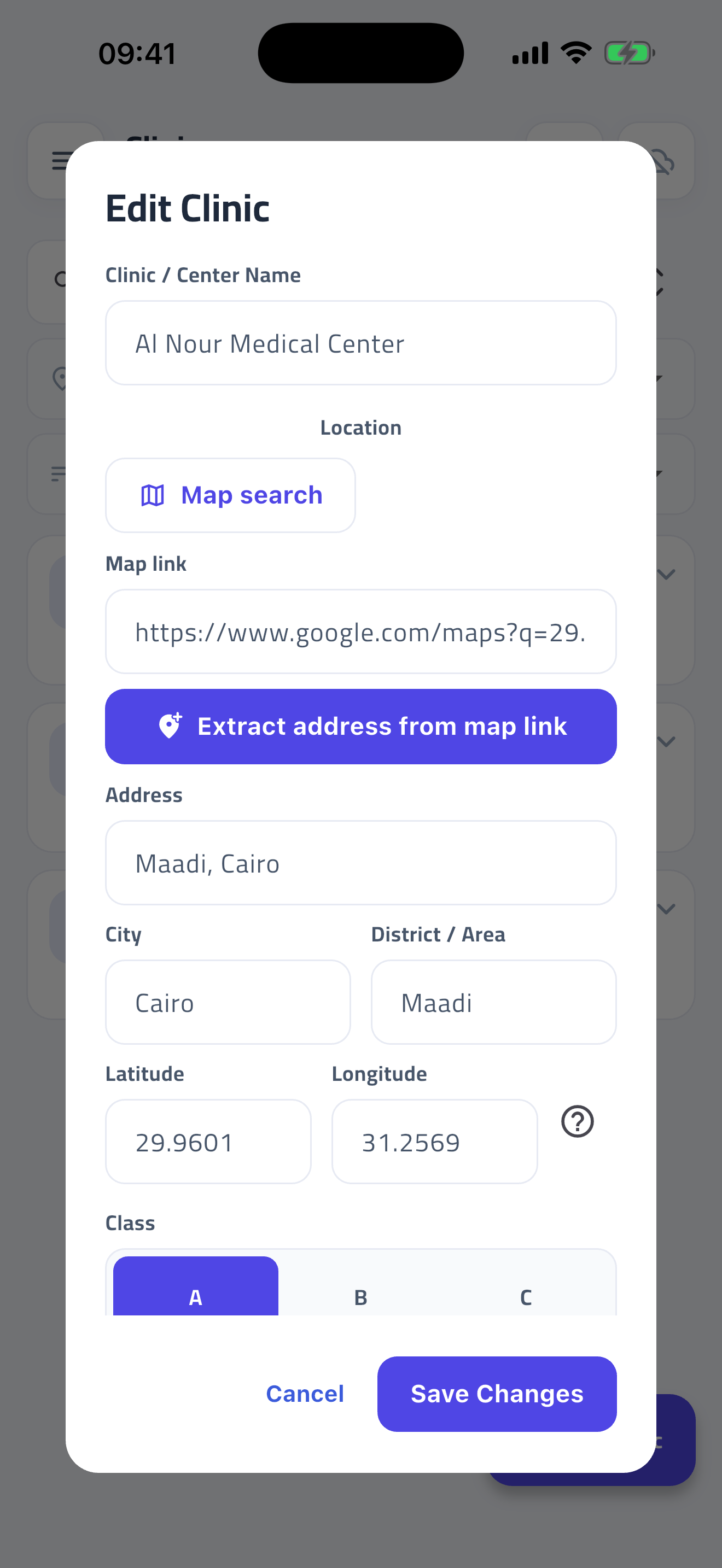
The "next to the big pharmacy" problem has a cheap fix. Find the clinic once on the maps app, share the link, paste it into the clinic record. A link carries the address, the city and district, and the coordinates; a short link expands to the same. A few seconds per clinic, and every plan you build from then on knows how far apart they are. Do it for the twenty clinics you visit most and leave the rest for when you are parked outside them. Once the pins are in, planning the week stops being guesswork.
Share it back, and only it
The list will outlive your time in the territory, and the next rep will inherit it from you the way you inherited it. Make that handover clean: share the list — clinics and doctors, with their locations and windows — and nothing else. Your targets, your visit notes, your sales and debts are yours; the roster is the territory's. A list export that carries only the roster is a list you can hand to a colleague without a second thought, and one you can accept from a colleague the same way.
The rep who does this once has a list that plans the week, opens the route, and remembers the doctor's window. The rep who keeps the spreadsheet has a spreadsheet.
Questions reps ask
My list is a photo of a notebook. Can I import that?
Not directly — a photo is not a table. Type it into a spreadsheet first (name, specialty, clinic, phone is enough), or split the typing with a colleague, then import the sheet. Two hundred rows is an evening with two people; it is far longer retyped into a phone.
The file has doctors but no clinics. What happens?
Put the clinic name in a column on the doctor rows and the import creates the clinics from it, then links each doctor to the clinic with that name. Add locations afterwards, clinic by clinic.
What if the import guesses a column wrong?
That is what the review step is for: change the mapping before anything is saved. If a column has no match — a "notes" or "last visited" column, say — leave it unmatched; it is skipped, not lost, and you still have the original file.
Should I import the whole inherited list or just my doctors?
Only the rows that are yours. Delete the other territory's rows in the spreadsheet before importing; it is easier there than on a phone afterwards, and it keeps the class and visit counts honest from day one.
How RepVisit Pro helps
The import wizard in RepVisit Pro takes .xlsx, .csv, .txt, .ods or a colleague's repvisit-list.zip, finds the header row itself, reads merged cells, lets you correct every column mapping on a review screen before a single row is saved, and skips duplicates instead of doubling them. Pasting a Google Maps link into a clinic proposes the address, city, district and map pin for you to confirm. Sharing your own list back is a Settings action, and the file carries only clinics and doctors — never your visits, targets or sales.
Read the guide for this feature